TestFlight is Apple's way to put pre-release builds in front of real people before they reach the App Store. The rules are simple once you know the four numbers that matter.
The limits that matter
| What | Limit |
|---|---|
| Internal testers | Up to 100 App Store Connect users |
| External testers | Up to 10,000 people |
| Build lifetime | 90 days, then it becomes unavailable to testers |
| Beta App Review | May be required for external testing |
Source: Apple, TestFlight overview.
Internal vs external testing
Internal testers are people with an App Store Connect account on your team. They get new builds as soon as the build finishes processing, with no review. Use them for yourself and your close collaborators.
External testers can be anyone with an email address or a public link. Apple notes that a beta build may require review: when you add the first build of an app to an external group, it is sent to App Review. The review is required only for the first build; later builds may not require a full review. Testing starts once the build is approved.
A simple setup
- Internal group with you and the one or two people who test every build.
- An external group per audience. For example "Friends" and "Power users", so you can send a build to one without the other.
- A public link for a limited beta, if you want strangers to join. Setting criteria on the public link can limit how many external testers can use it.
- Release notes for each build that say what to try. Testers who know what changed give better feedback.
Builds expire after 90 days
A build stops working for testers after 90 days. If a beta runs long, upload a fresh build before the old one dies. A forgotten expiry is the most common reason a tester writes "the app won't open".
Feedback
Testers can send feedback and crash reports through TestFlight, and you read them in App Store Connect. Reply to testers, even briefly. People who feel heard keep testing.
Frequently asked questions
How many testers can I have in TestFlight?
Up to 100 internal testers (App Store Connect users) and up to 10,000 external testers.
How long does a TestFlight build last?
A build can be tested for up to 90 days, then it becomes unavailable to testers.
Does TestFlight need App Review?
External testing can require Beta App Review. It is needed for the first build you add to an external group; later builds may not need a full review. Internal testing does not need it.
Can I be notified when a build finishes processing?
App Store Connect can email you, and Shipmate shows your latest TestFlight builds on the Mac and notifies you when one is ready to test.
Know when a build is ready to test
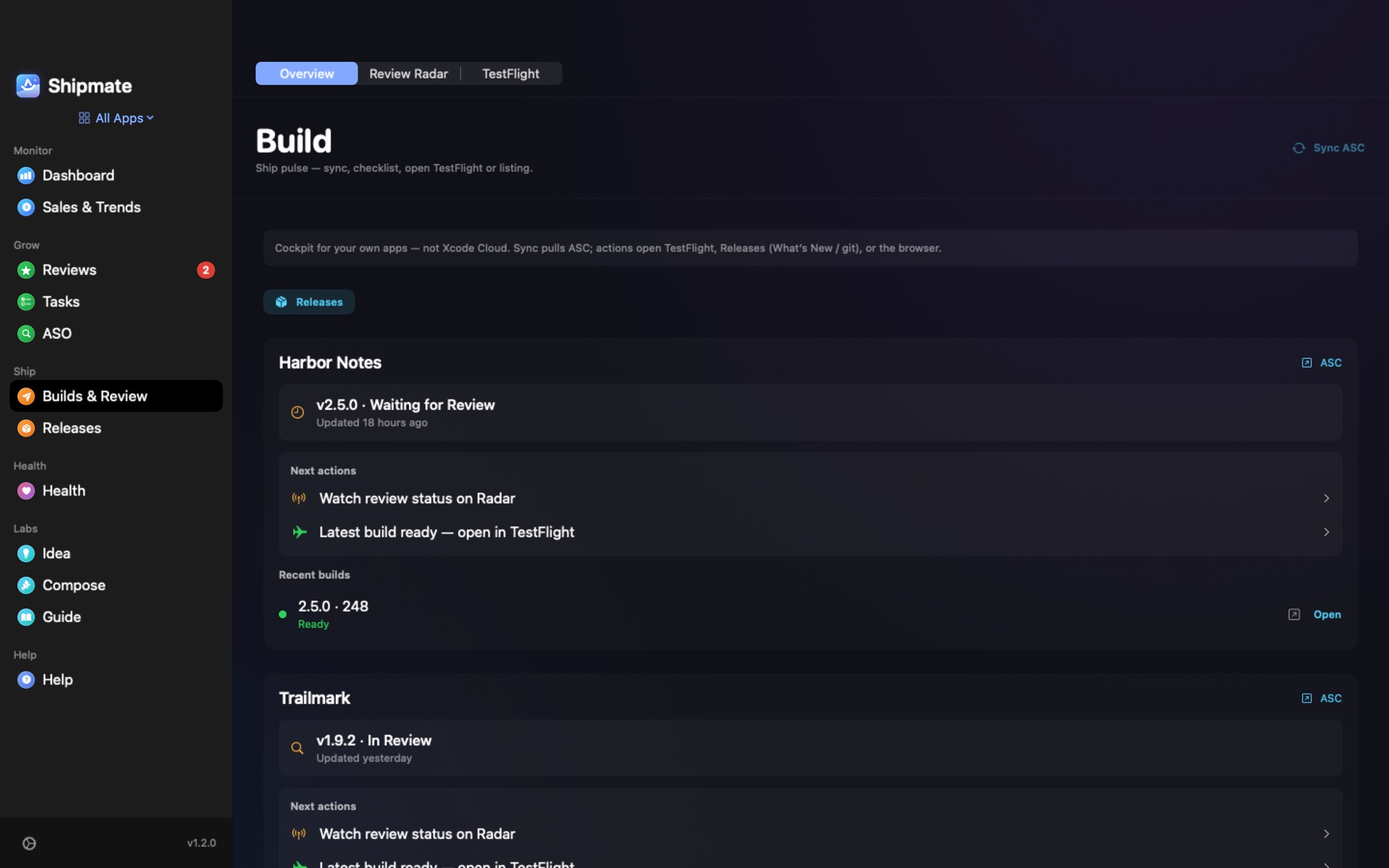
Shipmate lists the recent TestFlight builds of every app next to the App Store review status, and sends a notification when a build finishes processing, so you do not sit on the processing screen.