Screenshot sizes are one of those things you look up every release. Here are the rules from Apple's App Store Connect specifications (checked on 28 October 2026), in the short form. For a table you can search and copy from, use the screenshot size reference.
The rules that apply to every device
- Formats:
.jpeg,.jpgor.png. - No alpha channel or transparency.
- At least one screenshot is required, and up to 10 per device size.
- If your UI is the same across sizes, you only need the highest required resolution; App Store Connect scales it down.
Source: Apple, Screenshot specifications.
iPhone
The one you must provide is the Dynamic Island, medium display: 1179 × 2556 or 1206 × 2622 pixels in portrait (2556 × 1179 or 2622 × 1206 in landscape). Larger sizes are optional:
| Display class | Portrait | Required? |
|---|---|---|
| Dynamic Island, large | 1260 × 2736, 1290 × 2796, 1320 × 2868 | No |
| Face ID, large | 1284 × 2778, 1242 × 2688 | Only if you do not provide Dynamic Island large |
| Dynamic Island, medium | 1179 × 2556, 1206 × 2622 | Yes |
| iPhone Duo, outer display | 1398 × 2034 | No (see below) |
| iPhone Duo, inner display | 2007 × 2853 | No (see below) |
Older display classes (Face ID medium, Home Button) are optional and fall back to a larger size.
iPhone Duo: Apple says that starting April 2027, Duo screenshots will be required for any app built with the iOS 27.1 SDK or later. Submitting them adds an "optimized for iPhone Duo" badge to the product page.
iPad
If your app runs on iPad, you need the 13-inch display: 2064 × 2752 or 2048 × 2732 pixels portrait. The 11-inch, 12.9-inch, 10.5-inch and 9.7-inch sizes are optional and fall back to the 13-inch.
Mac
Mac screenshots use a 16:10 ratio; pick one of 1280 × 800, 1440 × 900, 2560 × 1600 or 2880 × 1800. They are required for Mac apps.
Apple Watch, Apple TV and Apple Vision Pro
- Apple TV: 1920 × 1080 or 3840 × 2160.
- Apple Vision Pro: 3840 × 2160.
- Apple Watch: one size matched to your device group (for example 416 × 496 for Series 12, 11 and 10, or 410 × 502 for Ultra 2). Use the same size across all localizations.
A checklist before you upload
- One iPhone set at 1179 × 2556 or 1206 × 2622 (portrait).
- One iPad set at 13 inches, if the app runs on iPad.
- Mac set at one of the four 16:10 sizes, for a Mac app.
- PNG or JPEG without transparency. Export flattened.
- Localized text in every language you list. Screenshots are per localization.
Frequently asked questions
What size should iPhone App Store screenshots be?
At minimum, one set for the Dynamic Island medium display: 1179 × 2556 or 1206 × 2622 pixels in portrait. Larger displays are optional.
How many screenshots can I upload?
Up to 10 per device size, and at least one is required.
Do I need every size?
No. If your UI is consistent across sizes, you only need the highest required resolution and App Store Connect scales it down.
What size are Mac App Store screenshots?
16:10, at 1280 × 800, 1440 × 900, 2560 × 1600 or 2880 × 1800 pixels.
Your listing is more than screenshots
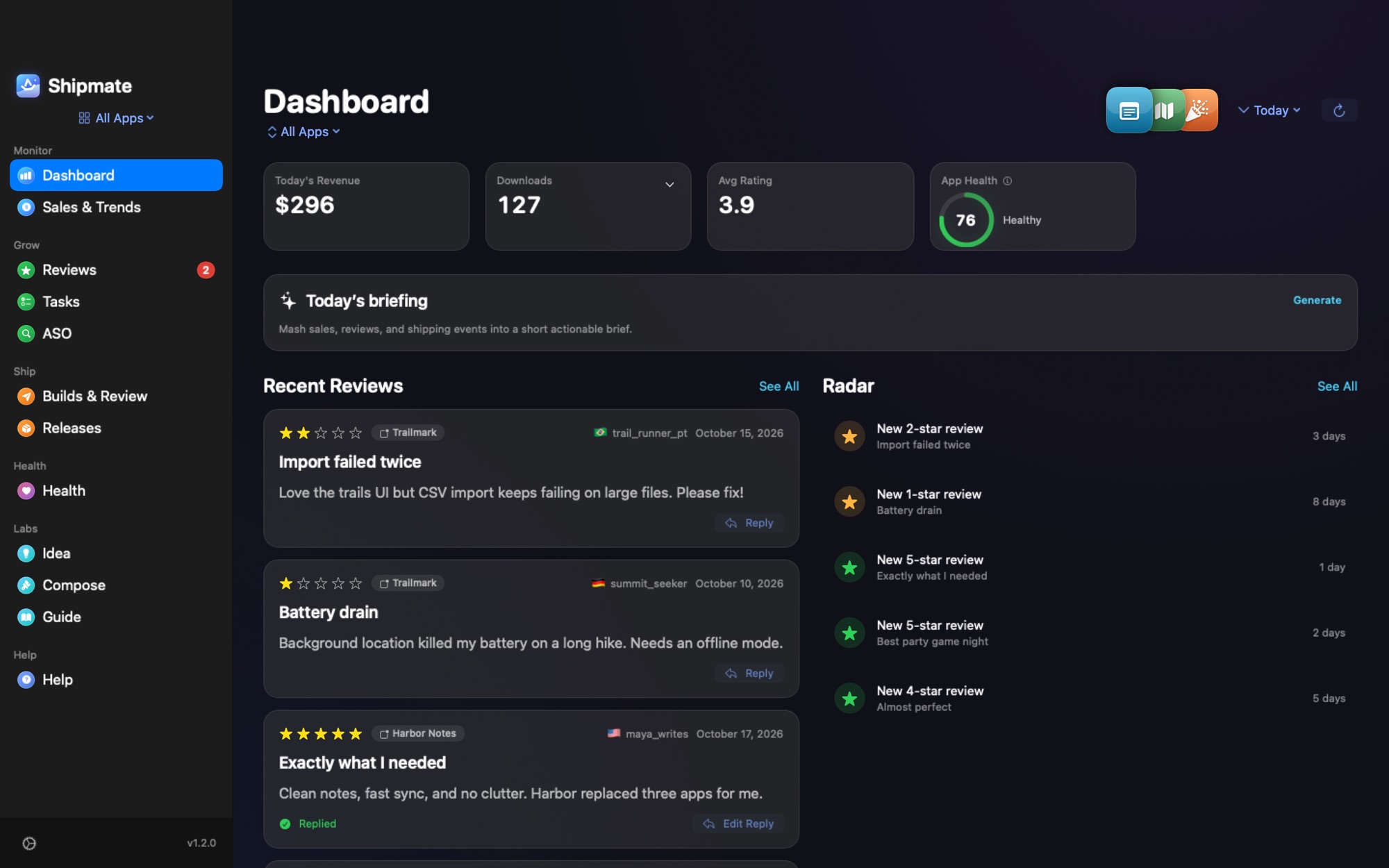
Once the listing is live, Shipmate shows how it performs: sales by day and country, new reviews, review status of each version and the rank of your keywords, in one Mac window and one 9:00 notification.